
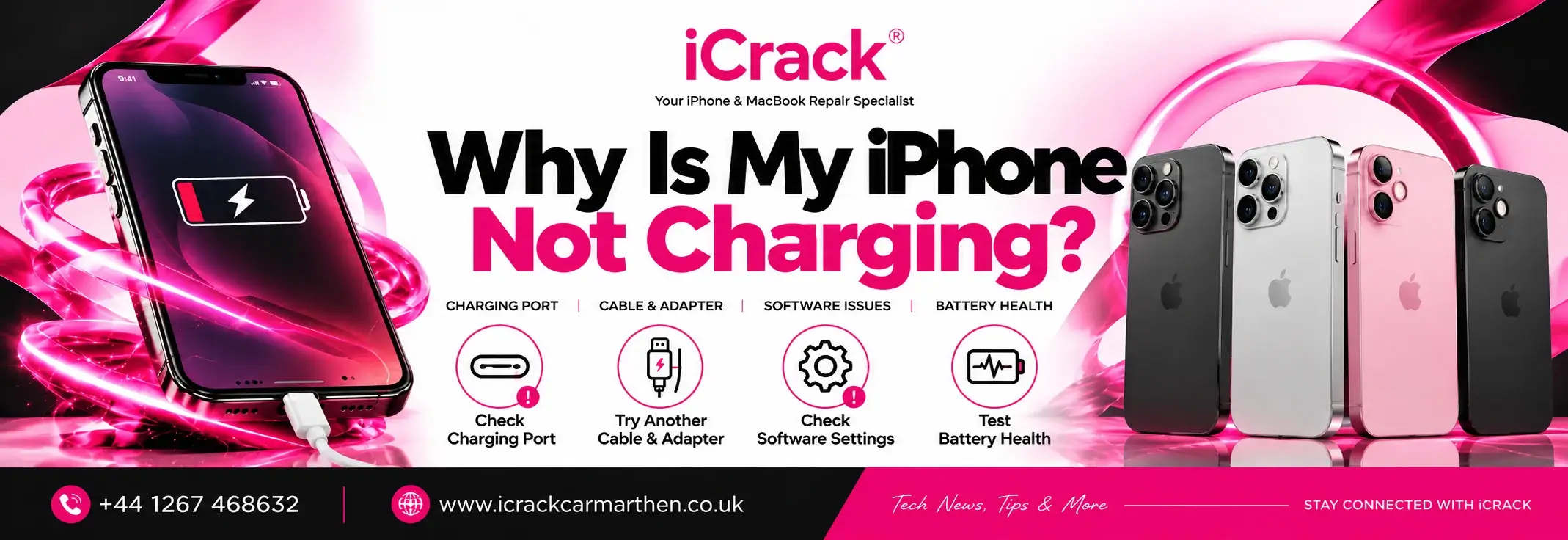
You plug your iPhone in, expect to see the battery percentage increase, and nothing happens. Sometimes the charging icon appears for a second before disappearing, while other times the phone doesn’t respond at all.
If you’ve found yourself asking, “Why is my iPhone not charging?“, you’re certainly not alone. It’s one of the most common problems iPhone users experience, and the cause isn’t always as serious as it first appears.
In many cases, the issue can be something simple, such as a damaged charging cable or a pocket full of lint blocking the charging port. In other situations, the battery, charging port or internal components may need professional attention.
Before assuming the worst, it’s worth checking the most common causes first.
1. Your Charging Cable May Be Damaged
Most charging problems start with the accessories rather than the phone itself.
Lightning and USB-C cables are used every day, often being bent, twisted or pulled from the connector. Over time, this can damage the internal wiring without leaving obvious marks on the outside.
Before looking for a repair, try another charging cable and power adapter if you have one available. If your iPhone begins charging normally, you’ve probably found the problem.
Using Apple-certified or high-quality replacement chargers is always recommended, as cheaper accessories don’t always deliver stable power.
2. Dust Inside the Charging Port
Many people carry their phones in a pocket, which means tiny fibers, dust and dirt slowly build up inside the charging port.
Even a small amount of debris can stop the charging connector from making proper contact.
If your charger feels loose or only works when held at a certain angle, there’s a good chance the port needs cleaning.
Take a careful look using a torch. If you can see compacted lint, avoid using metal objects to remove it, as these can damage the delicate pins inside the connector. If you’re unsure, having the port professionally cleaned is the safer option.
3. Your Battery Could Be Reaching the End of Its Life
An iPhone battery isn’t designed to last forever.
As it gets older, it gradually loses its ability to hold a full charge. You may notice the battery draining much faster than it used to, or the phone taking longer to charge.
Other signs include unexpected shutdowns, reduced battery health and poor performance during everyday use.
If your battery has become heavily worn, replacing it is often the most effective solution.
4. A Software Glitch Is Preventing Charging
Not every charging issue is caused by hardware.
Occasionally, iOS can develop a temporary fault that affects charging or stops the battery percentage updating correctly.
Restarting your iPhone is often enough to clear minor software problems. If there’s a newer version of iOS available, installing the update is also worth trying, as Apple regularly fixes bugs that affect performance and charging.
It’s a quick check that could save you unnecessary repair costs.
5. Liquid Has Triggered Moisture Detection
Newer iPhones include a safety feature that detects moisture inside the charging port.
If water or condensation is present, charging may stop automatically to protect the internal components.
If you see a liquid detection warning, disconnect the charger and allow the phone to dry naturally. Avoid using a hairdryer or placing the phone on a radiator, as excessive heat can cause further damage.
Once the connector has dried completely, charging should return to normal.
6. Wireless Charging Isn’t Working Properly
If you normally charge your iPhone wirelessly, the problem may not be with the phone itself.
Cases that are too thick, poorly aligned charging pads or faulty wireless chargers can all interrupt charging.
Try removing the phone case and placing your iPhone carefully in the center of the charging pad. If possible, test another wireless charger to rule out a faulty accessory.
7. The Charging Port Has Been Damaged
After years of daily use, charging ports naturally wear down.
Frequent plugging and unplugging can eventually damage the connector, especially if the cable has been forced into the port or the phone has been dropped while charging.
Common signs include:
- The charger feels loose.
- Charging starts and stops randomly.
- The cable only works when held in a certain position.
- Your iPhone doesn’t recognize the charger at all.
If you’ve already ruled out the cable and adapter, a damaged charging port is one of the most likely causes.
8. Internal Hardware Damage
If your iPhone has recently been dropped or exposed to water, the charging fault could involve internal components rather than the charging port itself.
Damage to the charging circuit or logic board isn’t something that can be diagnosed at home.
Continuing to force the charger into the phone usually won’t solve the issue and may even make the damage worse.
A professional inspection can identify exactly what’s causing the fault before any repair work begins.
When Should You Visit a Repair Shop?
If you’ve already:
- Tried another charging cable
- Tested a different charger
- Restarted your iPhone
- Updated iOS
- Checked the charging port for dirt
and your phone still refuses to charge, it’s probably time for a professional diagnosis.
A technician can determine whether the issue is related to the battery, charging port or another internal component, helping you avoid replacing parts unnecessarily.
How to Avoid Charging Problems in the Future
Although some faults happen naturally as phones get older, good charging habits can help reduce the chances of future problems.
Using quality charging accessories, keeping the charging port clean and avoiding unnecessary strain on the cable all help protect your device.
It’s also worth avoiding cheap chargers that don’t meet proper safety standards, as poor-quality accessories can affect both charging performance and long-term battery health.
Final Thoughts
Charging problems don’t always mean your iPhone needs an expensive repair. Quite often, the issue turns out to be a damaged cable, dust inside the charging port or a temporary software problem.
However, if your iPhone still won’t charge after trying the basic checks, it’s best to have the device looked at before the fault becomes worse.
At iCrack Carmarthen, we diagnose a wide range of charging issues, from worn charging ports and failing batteries to more complex hardware faults. If your iPhone isn’t charging properly, our technicians can identify the cause and recommend the most suitable repair.