There’s nothing more frustrating than sitting down for a gaming session, picking up your Nintendo Switch 2 and discovering it won’t charge. Whether you’ve been playing Mario Kart with friends or taking your console on a trip, a charging problem can quickly ruin your plans.
If you’re experiencing this issue in Carmarthen, don’t assume your console is permanently damaged. Sometimes, the solution is surprisingly simple.
Let’s look at what might be causing the problem and what you can safely try before considering a repair.
1. Check Your Charger First
Before worrying about your console, start with the charger.
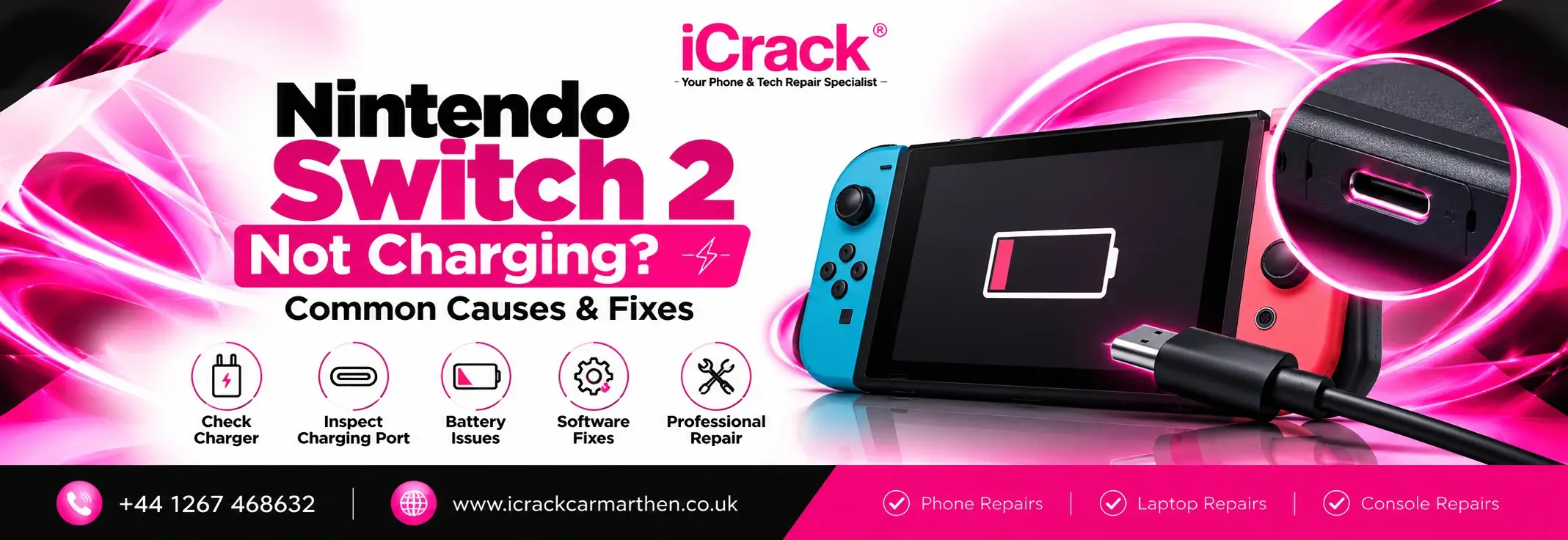
A damaged cable, faulty adapter or loose connection could prevent your Nintendo Switch 2 repair from charging properly.
Try these simple checks:
- Use the official Nintendo Switch 2 AC adapter.
- Connect the charger directly to a wall socket.
- Check the cable for visible damage.
- Make sure the connection feels secure.
Avoid using an unknown or unsuitable charger, as it may not provide the power your console needs.
2. Inspect the USB-C Charging Port
Your Nintendo Switch 2 has USB-C connections that can become affected by dust, debris or physical damage.
If you frequently carry your console in a bag, small particles can collect around the charging port.
Look carefully for visible dirt or damage, but avoid inserting sharp objects or metal tools into the connector.
If the charging cable feels unusually loose or only works at certain angles, the port may need professional inspection.
3. Your Console Might Be Completely Discharged
Sometimes, a console with a fully depleted battery won’t respond immediately when connected to power.
This can make it appear as though the device has stopped working altogether.
Connect your Switch 2 to its proper charger and leave it for around 30 minutes before checking again.
If the battery indicator appears, allow the console more time to charge.
However, if there’s still no response, further troubleshooting may be necessary.
4. Try a Safe Restart
A temporary software issue can occasionally make a Nintendo Switch 2 appear unresponsive.
If the console has enough power, try holding the POWER button for approximately 12 seconds to force it to shut down, then press the button again to restart it.
This may help if the system has frozen.
Remember, restarting won’t fix a damaged charging port or faulty internal component.
5. Check Whether the Dock Is the Problem
Does your Switch 2 charge when connected directly to its adapter but not when placed in the dock?
If so, the issue might involve the dock, its power connection or the console’s connection to it.
Check that the dock’s cables are properly connected and inspect the connector for visible damage.
Testing direct charging can help you narrow down the problem before arranging a repair.
6. Could It Be a Battery or Internal Hardware Fault?
If you’ve checked the charger, ports and connections without success, the problem could be more complicated.
Possible causes include:
- Battery deterioration or failure
- Damaged USB-C connectors
- Internal charging-circuit problems
- Liquid damage
- Faults affecting the console’s power management
These issues aren’t always visible from the outside.
Opening a console without the right equipment can cause further damage, so internal repairs are best left to qualified technicians.
When Should You Consider Nintendo Switch 2 Repair?
You should consider a professional assessment if your console:
- Doesn’t charge with a suitable, working adapter
- Has a visibly damaged charging port
- Becomes unusually hot while charging
- Switches off unexpectedly
- Shows no signs of power after basic troubleshooting
If your console is still under warranty, check Nintendo’s official repair options before arranging third-party work.
Looking for Gaming Console Repair in Carmarthen?
A charging issue doesn’t automatically mean you need to replace your gaming console.
At iCrack Carmarthen, we’re based at 20 St Catherine’s Walk, Carmarthen, SA31 1GA, helping local customers with their device repair enquiries.
If your Nintendo Switch 2 isn’t charging, contact our team to ask about assessment options and whether support is available for your particular console model.
You can also explore our other device repair services at iCrack Carmarthen.
Final Thoughts
When your Nintendo Switch 2 stops charging, begin with the basics: check the adapter, inspect the connection, allow time for charging and try a safe restart.
If nothing works, avoid forcing the charging cable or attempting complicated DIY repairs. Getting the problem assessed could help you understand whether the console needs a straightforward fix or more involved attention.