
Imagine opening your MacBook to finish an important project, only to discover the battery is almost empty and the charger isn’t working. It’s frustrating, especially when you rely on your laptop for work, university or everyday tasks.
Whether you own a MacBook Air or MacBook Pro, charging problems can happen for several reasons. Fortunately, some issues are surprisingly easy to fix.
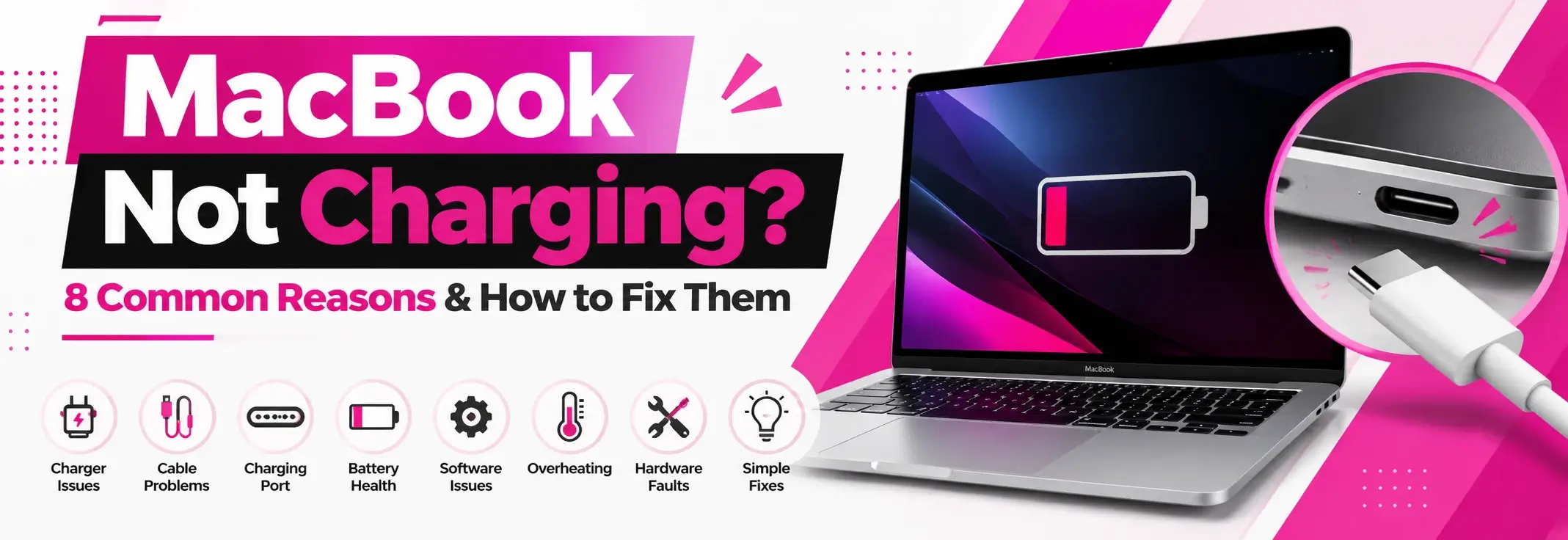
Before assuming your MacBook needs an expensive repair, let’s explore eight common causes and what you can do about them.
1. Faulty Charging Cable
A damaged charging cable is one of the first things worth checking.
Over time, cables can become worn, bent or damaged around their connectors. You might notice your MacBook charges intermittently or stops charging altogether.
What to do: Inspect the cable for visible damage. If possible, test another compatible USB-C or MagSafe charging cable. Stop using any cable with exposed wires or damaged connectors.
2. Incorrect Power Adapter
Not every USB-C charger provides enough power for a MacBook or macbook repair.
Some phone chargers may power the laptop slowly but struggle to charge its battery, particularly while you’re using demanding applications.
What to do: Check that your power adapter meets the wattage recommended for your MacBook model. Using a compatible charger can improve charging performance.
3. Dirty or Damaged Charging Port
Dust and debris can collect around charging connections, particularly when laptops are carried in bags.
A damaged USB-C port or MagSafe connector may also prevent a secure connection.
What to do: Switch off your MacBook and visually inspect the charging port. Avoid inserting metal objects or liquids. If the connection feels loose or damaged, seek professional assistance.
4. Battery Health Problems
MacBook batteries gradually lose capacity as they age.
An ageing battery may struggle to hold its charge, drain unusually quickly or display a service warning.
What to do: Open System Settings > Battery and check the available battery health information. If your MacBook displays a service recommendation, consider having the battery assessed.
5. Optimised Battery Charging
Sometimes your MacBook isn’t charging because it’s protecting the battery.
Apple’s Optimised Battery Charging feature can temporarily pause charging to reduce battery ageing.
You might see a message such as Charging On Hold.
What to do: Check the battery status menu. If charging has paused because of battery optimisation, your MacBook may be operating normally rather than experiencing a fault.
6. Software or macOS Issues
Occasionally, charging behaviour can be affected by software problems or outdated system components.
A temporary system issue might cause incorrect battery readings or charging interruptions.
What to do: Restart your MacBook and check for available macOS updates.
For compatible older Intel-based models, Apple also provides guidance on resetting the System Management Controller (SMC).
7. MacBook Overheating
Temperature can affect how your MacBook charges.
If your laptop becomes excessively hot, charging may slow down or temporarily pause to protect internal components.
What to do: Move your MacBook to a cool, well-ventilated area. Avoid using it on beds, cushions or other surfaces that restrict airflow.
Allow the device to cool before attempting to charge it again.
8. Internal Hardware Problems
If you’ve checked the charger, cable, battery settings and charging port without success, the problem could involve internal hardware.
Possible faults include damaged charging circuitry, battery connections or liquid-related damage.
What to do: Avoid repeatedly connecting a faulty charger or attempting complex internal repairs yourself.
A professional diagnosis can help identify the issue before replacement parts are considered.
When Should You Seek Professional MacBook Repair?
Not every charging issue requires professional attention, but certain symptoms shouldn’t be ignored.
Consider getting your MacBook checked if:
- It won’t charge with a known-working compatible charger.
- The charging port feels loose or damaged.
- The battery drains unusually quickly.
- Your MacBook shuts down unexpectedly.
- The charger or device becomes excessively hot.
If you notice battery swelling, smoke or a burning smell, stop using the device and disconnect it from power if safe.
MacBook Repair in Carmarthen
If your MacBook still isn’t charging after basic troubleshooting, getting professional advice could save you time and unnecessary expense.
At iCrack Carmarthen, we assist customers with MacBook and laptop repair enquiries, including charging and battery-related problems.
Visit our shop at 20 St Catherine’s Walk, Carmarthen SA31 1GA, to discuss your MacBook’s symptoms and available repair options.
Also Visit: Why Is My iPhone Battery Draining So Fast?
Final Thoughts
A MacBook that won’t charge doesn’t automatically need replacing. Sometimes the solution is as simple as changing a cable, checking battery settings or using the correct adapter.
Start with the basic checks and avoid risky DIY repairs. If the problem continues, a professional assessment can help you make an informed decision.